Is Your Smart TV Watching You?
The UK Settings You Should Change Today
CouchCast Editorial · 25 April 2026 · 5 min read
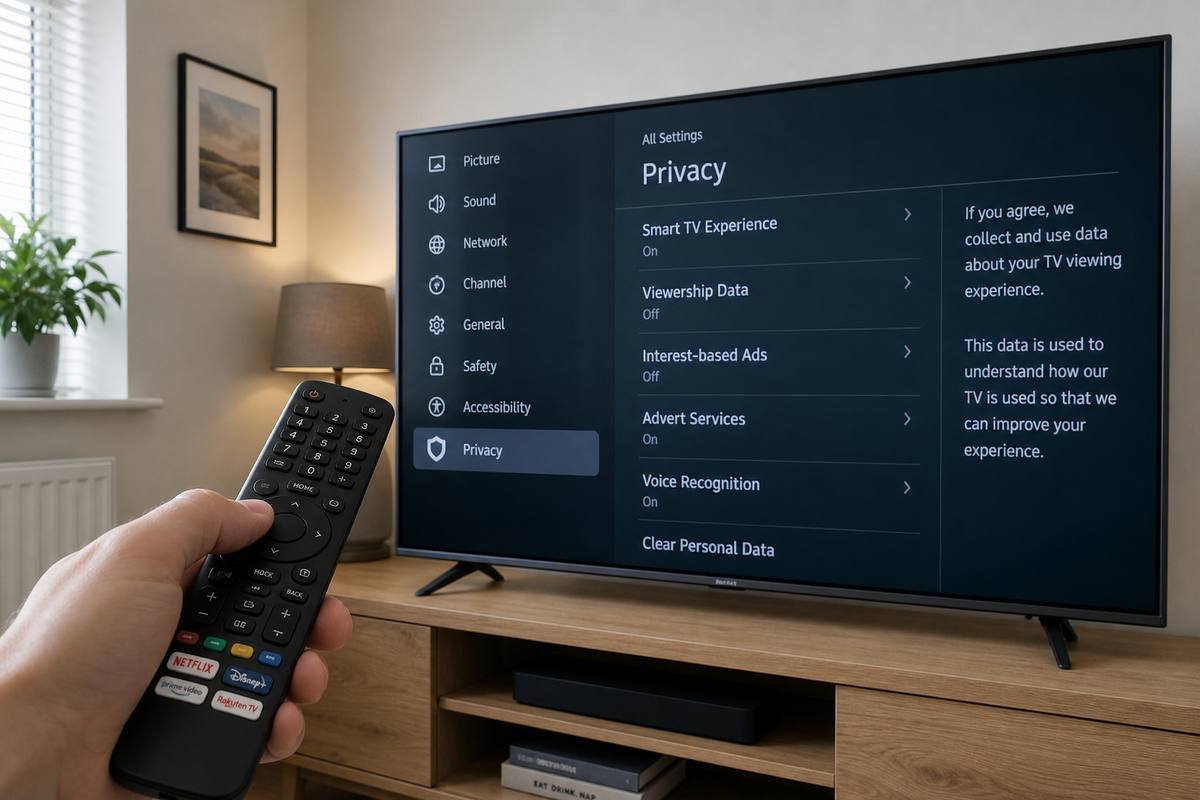
Your smart TV is almost certainly collecting data about what you watch, when you watch it, and in some cases what's visible through the microphone. This isn't a conspiracy theory — it's in the terms and conditions. The feature is called Automatic Content Recognition (ACR), and it's enabled by default on virtually every major brand sold in the UK.
ACR works by taking periodic screenshots of your screen — including content from external devices like Sky boxes and Blu-ray players — and uploading them to be matched against a database. The result is a detailed viewing profile that can be sold to advertisers. You agreed to this when you accepted the terms during setup, but it can be turned off.
Samsung: Disable SyncPlus and ACR
Settings → Support → Terms & Privacy → Viewing Information Services → Off. Also check: Settings → General → Privacy → Interest-Based Advertising → Off.
LG: Disable LivePlus
Settings → All Settings → General → LivePlus → Off. This disables ACR. Also check: Settings → All Settings → General → About This TV → User Agreements → turn off all optional agreements.
Sony: Disable Bravia Core data sharing
Settings → Device Preferences → Privacy → Ads → Reset Advertising ID, then disable personalised ads. Also: Settings → Device Preferences → Usage & Diagnostics → Off.
Hisense and others
Look for "Data Services," "ACR," or "Advertising" under Privacy or General settings. The label varies by model, but the toggle is usually there. When in doubt, decline all optional agreements during a factory reset.
What about voice control?
If your TV has a voice-activated remote or built-in voice assistant, it listens for a wake word and may send audio snippets to a remote server for processing. You can disable this in voice settings on all major brands. If you use it regularly, that's a trade-off to make consciously — not one that should happen by default without your knowledge.
Takes 5 minutes. Do it today.
- Disable ACR / viewing data sharing
- Turn off interest-based advertising
- Disable usage diagnostics
- Review voice control settings
- Decline optional agreements if you factory reset
Under UK GDPR, you have the right to opt out of this processing. The manufacturers know this — which is why the opt-out exists. It's just not prominently signposted.